Secrets AI Video Generator: How It Works, Quality, and Cost
Video generation from AI companion images is a rare capability in the AI girlfriend category. Most competing platforms — Character.AI, CrushOn AI, Janitor AI — do not offer it. Secrets AI does, and it is implemented well enough to function as the platform's clearest competitive advantage. Whether it is worth your Moments budget depends on how you use the platform.
This guide covers the generation process, realistic quality expectations, the Moments math, and a direct verdict on who should use it and who should budget elsewhere.
What the Video Generator Actually Does
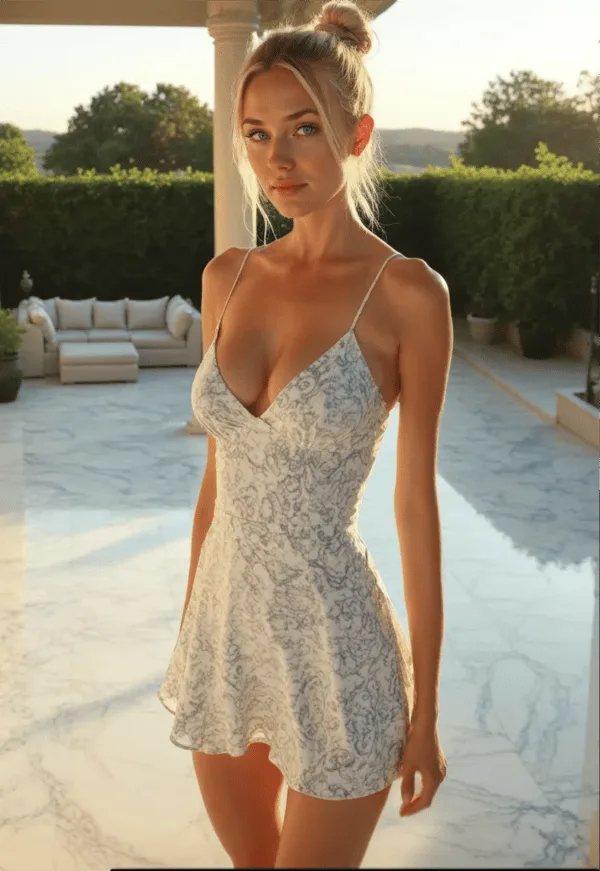
The video generator converts static AI companion images into short motion clips. The input: an existing companion image and a text prompt describing movement or action. The output: a short video clip of your companion character performing that motion.
Available on Lite plan and above — not on the free tier in any sustainable way (free Moments are one-time and not replenished monthly).
The competitive context: search the mainstream AI companion platform landscape for video generation and the list is short. Character.AI does not have it. CrushOn AI does not have it. Janitor AI does not have it. Candy AI has limited video capability. SweetDream AI and Xotic AI (4K 15-second clips) offer comparable features, but they serve a narrower market. Among platforms accessible to most users at mainstream pricing, Secrets AI's video generation is genuinely distinctive.
The Four Steps to Generate a Video
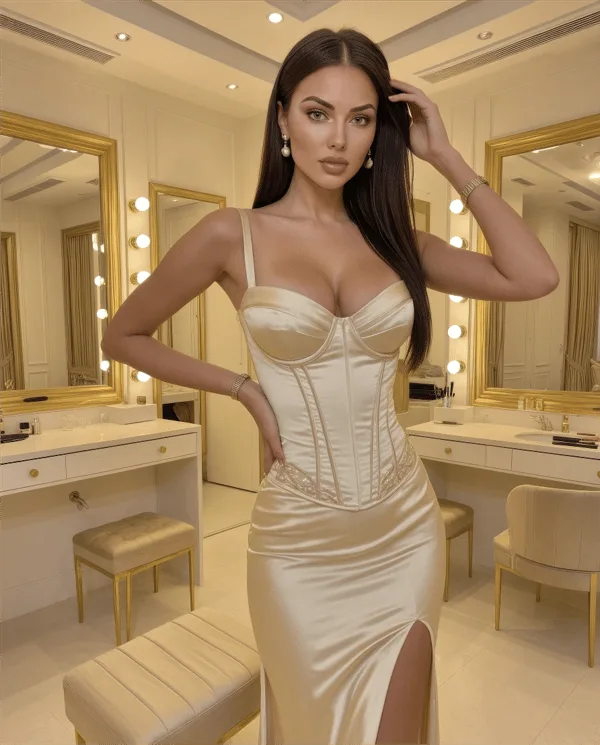
The process:
Step 1 — Get a source image. Video generation starts from an existing companion image. Generate one first if you do not already have it (25-50 Moments). Source image quality directly affects video output quality. Use your clearest, best-quality images as source material.
Step 2 — Write a motion prompt. Describe the movement or action you want. Specificity improves results: "slow head turn toward camera with a slight smile" works better than "moving." Explicit prompts are supported — the platform accommodates adult video content.
Step 3 — Submit and wait approximately 2 minutes. Video generation processes through a deep learning pipeline. Two minutes is consistent across clip types. It is not instantaneous — AI is generating motion from a static image, which requires real compute time.
Step 4 — View and save. The completed clip appears in your content area. Download it locally if you want to keep it. Clips are generated content, and retention duration within the platform is not publicly documented.
What the Quality Is Actually Like
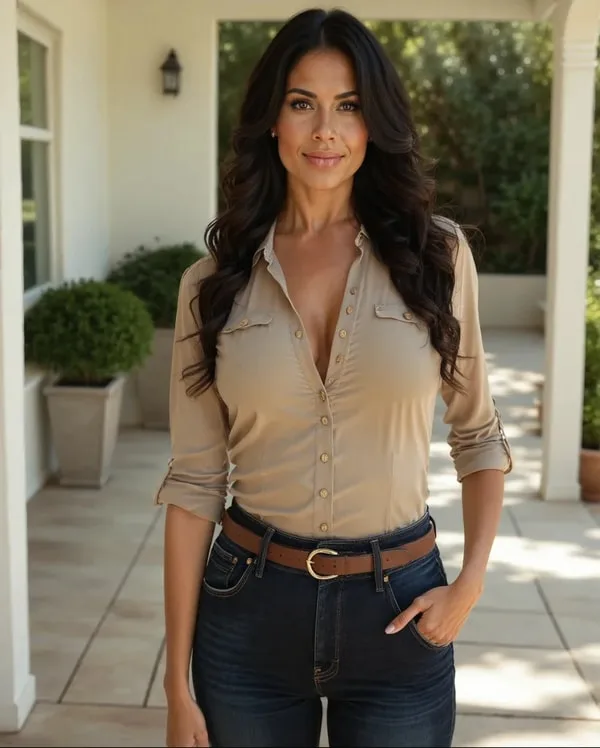
Third-party reviewer rating: 4.1/5. The qualitative description that best matches testing: "videos look good and move smoothly most of the time."
More specific observations:
Character movement is fluid in successful outputs — not jerky or artifact-heavy in most cases. Facial expressions are realistic and consistent with the source image's expression. Character appearance is accurately maintained across the clip duration. Prompt responsiveness works well on specific, clear prompts and less reliably on complex, multi-instruction prompts.
Advanced generation model (Premium tier and above) produces noticeably better output quality than the standard model. If your plan includes the advanced model, select it.
The failure mode: complex or ambiguous prompts where the AI generates something plausible but not what you intended. The fix: simpler, more specific prompts. Test with a short clip (50 Moments) before committing to a longer clip (600 Moments) if you are uncertain about a prompt.
AI video generation at this level uses diffusion-based deep learning approaches. The output is above what most users expect — this is not early-generation choppy AI video. It is genuinely usable companion media.
Moments Cost — The Full Math
Video is the most expensive media feature per action:
Short clip (3 seconds): approximately 50 Moments
Long/full clip: approximately 600 Moments
Budget impact per tier, video-only spending:
Lite (1,000 Moments): 20 short clips or approximately 1-2 long clips per month
Plus (3,000 Moments): 60 short clips or approximately 5 long clips per month
Premium (8,000 Moments): 160 short clips or approximately 13 long clips per month
Ultimate (15,000 Moments): 300 short clips or approximately 25 long clips per month
These figures assume all Moments go to video. In practice, most users split across images, voice, and video — which reduces available video count.
Mixed-use reality on Plus (3,000 Moments): Approximately 40 images + 2 long videos + 15 min voice uses close to the full monthly allocation. If video is important to you, Plus is tight. Premium provides comfortable video headroom.
Additional Moments can be purchased separately: 1,980 Moments for $5.99, scaling to 118,800 for $249.99. Premium and Ultimate subscribers get bonus Moments on top-up purchases (10% and 15% respectively).
For full Moments pricing and tier allocation details, see the Moments costs page.
Video vs Images vs Voice — Putting the Cost in Perspective
For the same 600 Moments:
Option A: 1 long video clip
Option B: 12-24 images (25-50 Moments each)
Option C: 6 minutes of voice call (100 Moments/minute)
Images offer the best output volume per Moment. Voice is moderately priced. Long video clips are the premium option — highest per-item cost but producing media that nothing else in the platform replicates.
Short video clips at ~50 Moments are competitively priced against images and represent good value for users who want motion content without spending 600 Moments per clip.
Who Should Use the Video Generator
Use it actively if:
You value personalized companion media in motion rather than static images only. You want to see your specific character — appearance, personality, established context — in a video clip. Visual content is part of your usage pattern, not incidental. You are on Premium or Ultimate with enough Moments for regular generation without budget pressure.
Budget carefully if:
You are on Plus (3,000 Moments) and video is one of multiple media uses. You will need to prioritize video over images in your Moments allocation if you want regular clips.
Skip video, focus elsewhere if:
Text conversation is your primary use. You are on Lite with 1,000 monthly Moments — video significantly constrains what you can do with the rest of the budget. You are still on the 200-Moment free tier.
Tier recommendation for video:
Occasional use: Plus ($9.99) — workable with Moments discipline
Regular use: Premium ($19.99) — 8,000 Moments provides comfortable monthly video generation
Heavy use: Ultimate ($39.99) — 15,000 Moments for high-volume output
For the full tier comparison on video access, see video access by tier. The full feature context is at the all features page.
How long are Secrets AI videos?
Clip length scales with your tier and Moments spent. Lite plan: short 3-second clips at approximately 50 Moments. Plus and above: longer clip formats at up to approximately 600 Moments per clip. The maximum clip length for higher-tier formats is not publicly specified in exact seconds, but the Moments cost range (50-600) corresponds to the full spectrum from brief to full-length companion video.
Can I generate video on the free plan?
The free tier has a 200-Moment one-time starting grant. A short 3-second clip costs approximately 50 Moments, so technically you can generate 1-4 short clips from starting Moments. Once those are depleted, video generation stops permanently on free — no monthly replenishment occurs. Sustainable video generation requires a paid plan with monthly Moments.
How many videos can I make per month?
On Plus (3,000 Moments): approximately 5 long clips (600 Moments each) or 60 short clips (50 Moments each) if all Moments go to video. Most users split across media types, so practical video counts are lower. On Premium (8,000 Moments) with mixed media use: approximately 5-10 long clips monthly with room for images and voice.
Are the videos realistic?
Quality rated 4.1/5 by independent reviewers. Character movement is smooth and realistic in most outputs. Facial expressions are accurate to the source image. The visual quality is above what most users expect from AI-generated companion video — this is not novelty-level output. Best results come from high-quality source images and specific, clear motion prompts. Complex prompts can produce inconsistent results.